 Automation / Technology
Ever want to start your workday without responding to the same emails, updating sheets manually, approaching teammates for updates, or manually managing data from one drive to another. Sounds good, right? For many startups and established businesses, this hectic workday is no longer the norm. It has become a reality with the help of workflow automation. Every business has a process for completing tasks. A visitor fills out the form, and someone has to add the details to the CRM. Similarly, a customer places an order from the website, and the team has to send a confirmation for the update. All these tasks and processes can take a lot of your time. Workflow automation helps you manage entire operations without requiring a workforce to manage them. In this blog, we’ll explore the top workflow automation tools and how AI-powered systems enhance your operations smartly.
Workflow automation is the integration of modern technology to automate daily operations and processes. These processes are based on specific predefined actions that automation tools follow to complete them successfully. For instance, a lead fills out a ‘Contact Us’ form on your site. Instead of manually checking the form and saving it for different purposes, a smart workflow systems can:
All of this can happen automatically within seconds with workflow automation. According to Kissflow, the world automation market was valued at $20.3 billion in 2023 and is projected to grow at a 10.1% CAGR through 2032.
Today, businesses are highly dependent on workflow automation tools. The purpose is to automate smart workflows to save time and manage routine digital operations such as data entry, email responses, and follow-ups. Companies often use different platforms for sales, marketing, accounting, etc. One problem is that these automation tools can’t always integrate with each other. As a result, employees can’t maintain information between different systems. This can create multiple issues. Here is why businesses rely on workflow automation:
Manual work requires humans, and it takes a lot of time. Employees spend the entire day managing routine tasks, such as creating reports, sending emails, or managing tasks. Automation can handle these tasks in a matter of seconds.
Manual work may cause errors, leading to more wastage of time. A single critical error may cost you a client or damage your reputation in the market. Automated workflows help to reduce those errors and save your valuable time.
A system that caters to 20 leads couldn’t be able to handle 2000 leads. Your business grows, so do your customers and employees. As a result, you face difficulty in management. This is where workflow automation comes in for scaling by handling a higher volume of daily work.
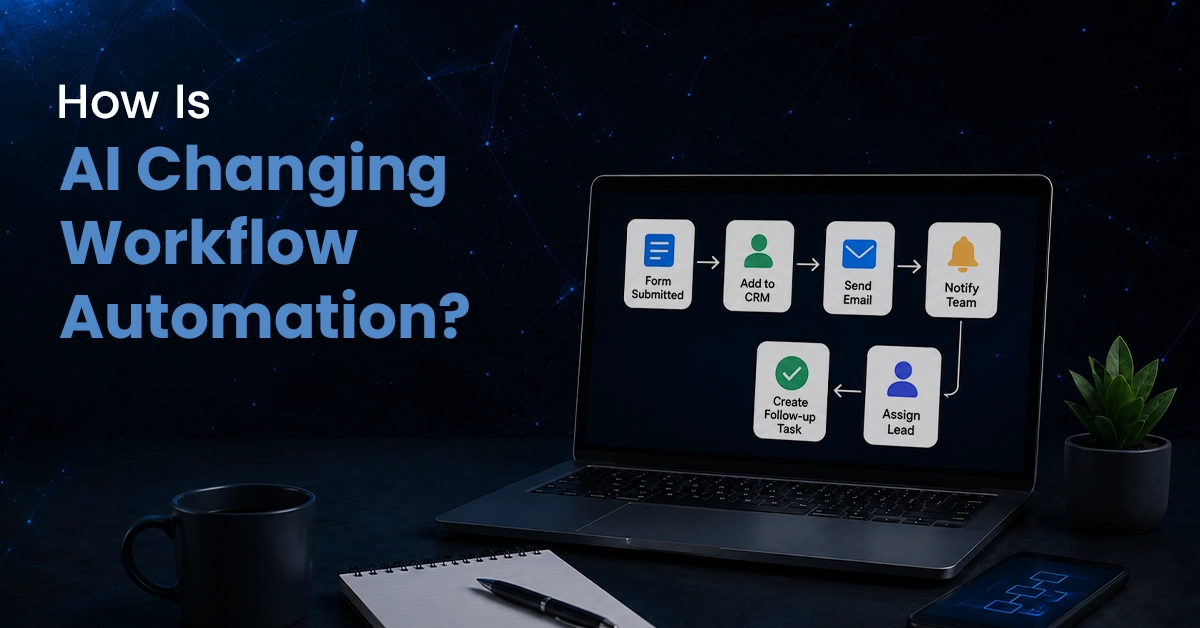
Automation is not new, but it has evolved with the help of artificial intelligence. Now, businesses have access to more automated operations with advanced features. Unlike traditional automation, AI workflow automation enhances efficiency by catering to every individual task. An AI-powered workflow system can potentially:
Let’s take an example of a sales team receiving hundreds of clients' data through calls. A traditional workflow system simply manages the data. On the other hand, task automation software can analyze the clients' data and summarize it. The same goes for the finance team that deals with billing issues. A simple question may even receive an automated response. This can save time and create a faster customer experience. According to Yomly, 48% of businesses are implementing automation systems to replace manual processes.
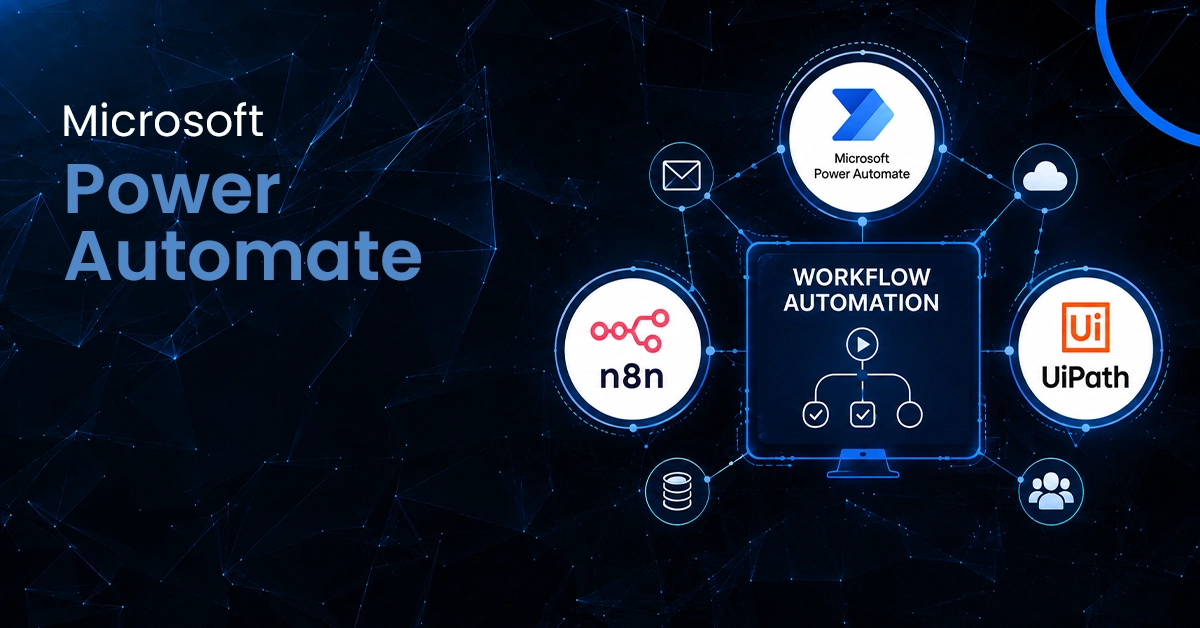
Automation tools are of different types. Some are no-code automation tools, while others have specific features for large companies. Here is a table showing top automation integration platforms.
| Tool | Best For | Key Strength |
|---|---|---|
| Zapier | Simple automation | Easy app integrations |
| Make | Complex workflows | Visual workflow builder |
| Microsoft Power Automate | Microsoft users | Microsoft 365 integration |
| n8n | Custom automation | Flexible and customizable |
| UiPath | Repetitive processes | Robotic Process Automation |
Let's discuss them in detail.
Zapier is one of the most popular workflow automation tools, especially for businesses that want to connect different apps without writing code. It allows users to create automated workflows, commonly known as Zaps, between thousands of applications. Once the workflow is active, Zapier handles the process automatically. It can be useful for:
Zapier is popular because it is simple to understand. You don’t need advanced technical knowledge to create basic automations.
Make is another popular business process automation platform. It gives users more flexibility when creating workflows. One of its biggest advantages is its visual workflow builder. Instead of simply creating a straight line of actions, users can build more complex scenarios with multiple steps, conditions, and routes. Make can help automate:
Make is often better suited for companies that need more detailed and visual automation.
Businesses already using Microsoft tools may find Microsoft Power Automate particularly useful. It is created to help automate workflows across Microsoft products and other business applications. For example, a company using Outlook, Microsoft Teams, SharePoint, Excel, and other Microsoft 365 tools can create connected workflows across these tools. Imagine an employee submitting a leave request. Power Automate can:
The entire process can happen through an automated workflow.
n8n is a flexible and customizable workflow automation tool. It enables businesses and developers to set up automated workflows between various applications and services. It’s particularly favored by users seeking greater automation configuration control. While others are primarily geared towards basic no-code workflows, n8n has the capability to handle more complex and tailored automation scenarios. Users can build workflows that include:
This makes n8n a strong choice for businesses with technical teams or unique automation requirements.
UiPath's approach to automation is a little different. It's well known for Robotic Process Automation (RPA). RPA tools can automate repetitive tasks that people normally do on their computer, rather than just integrating with modern apps. For example, an employee may need to:
Robotic automation can eliminate repetitive tasks. However, it is specifically helpful for companies that are still using older systems for automation.
Workflow automation tools develop a scalable and reliable system by eliminating duplicate tasks, streamlining daily tasks, and ensuring business efficiency without continuous human involvement. Companies can now implement workflow automation using different tools, such as Zapier and Make. Microsoft Power Automate enables businesses to extend their operations. In addition, other platforms, such as n8n, offer greater flexibility, whereas platforms like UiPath or Automation Anywhere provide AI automation and robotic processes. With the right use of workflow automation, businesses can reduce their time spent on repetitive tasks and invest in customers, ideas, strategy and growth. So, if you want high-end software for enhancing your daily operations, reach out to AdamIS Tech.
DELIVERING DIGITAL RESULTS, YOU DESIRE
READY TO HAVE A CONVERSATION?
WE'RE JUST A MESSAGE AWAY!

Define your goals and identify areas where we can add value to your business.
LET'S TALK ABOUT
YOUR PROJECT
Connect with us directly and get personalized guidance every step of the way.